Why Password Managers Are Safer Than You Think
Let’s Be Honest: Most People Reuse Passwords
Most of us have dozens—if not hundreds—of online accounts. So it’s not surprising that many people reuse the same password across multiple sites.
Here’s the problem in two numbers:
78% of users reuse passwords across multiple accounts.¹
Cloudflare found 41% of successful logins across sites they protect involved compromised passwords.²
That combo makes credential stuffing brutally effective: attackers take stolen username/password pairs from one breach and automatically try them on other sites. If you reused the password, they can get in—no “movie hacking” required.³
The most effective, realistic solution for normal people? Password managers.
What Is a Password Manager?
A password manager is a secure app that stores and auto-fills strong, unique passwords for every account. You only need to remember one master password (and you can often unlock with Face ID or a fingerprint for convenience).
Popular tools include: Bitwarden, 1Password, Dashlane, NordPass, and KeePass.
Why Password Managers Are Actually Safe
Myth: “If my password manager gets hacked, all my data is gone.”
Truth: Reputable password managers encrypt your vault so the contents can’t be read without your master password / key. For example, Bitwarden explains that your encryption key is derived from your master password and is only held in memory while the vault is unlocked.⁴
Myth: “I can just remember my passwords.”
Truth: Most people reuse or weaken passwords for convenience—which is exactly what attackers plan for.
What You Get with a Password Manager
Unique, strong passwords for every login
Auto-fill across mobile and desktop
Secure password sharing (for families or teams, depending on the product/plan)
Alerts for weak/reused or breached credentials (varies by provider)
Optional: encrypted notes and 2FA code storage (varies by provider)
It’s basically a digital vault that follows you wherever you log in—so you’re not “recycling” passwords like they’re plastic bags.
How to Get Started
Choose a reputable password manager
Create a strong master password (a long passphrase is usually best)
Enable MFA on your password manager account
Import your current passwords (or start fresh)
Update the most important accounts first: email, banking, Apple/Google, work logins
Common Mistakes to Avoid
Avoid storing passwords in:
Spreadsheets
Notes apps
Email drafts
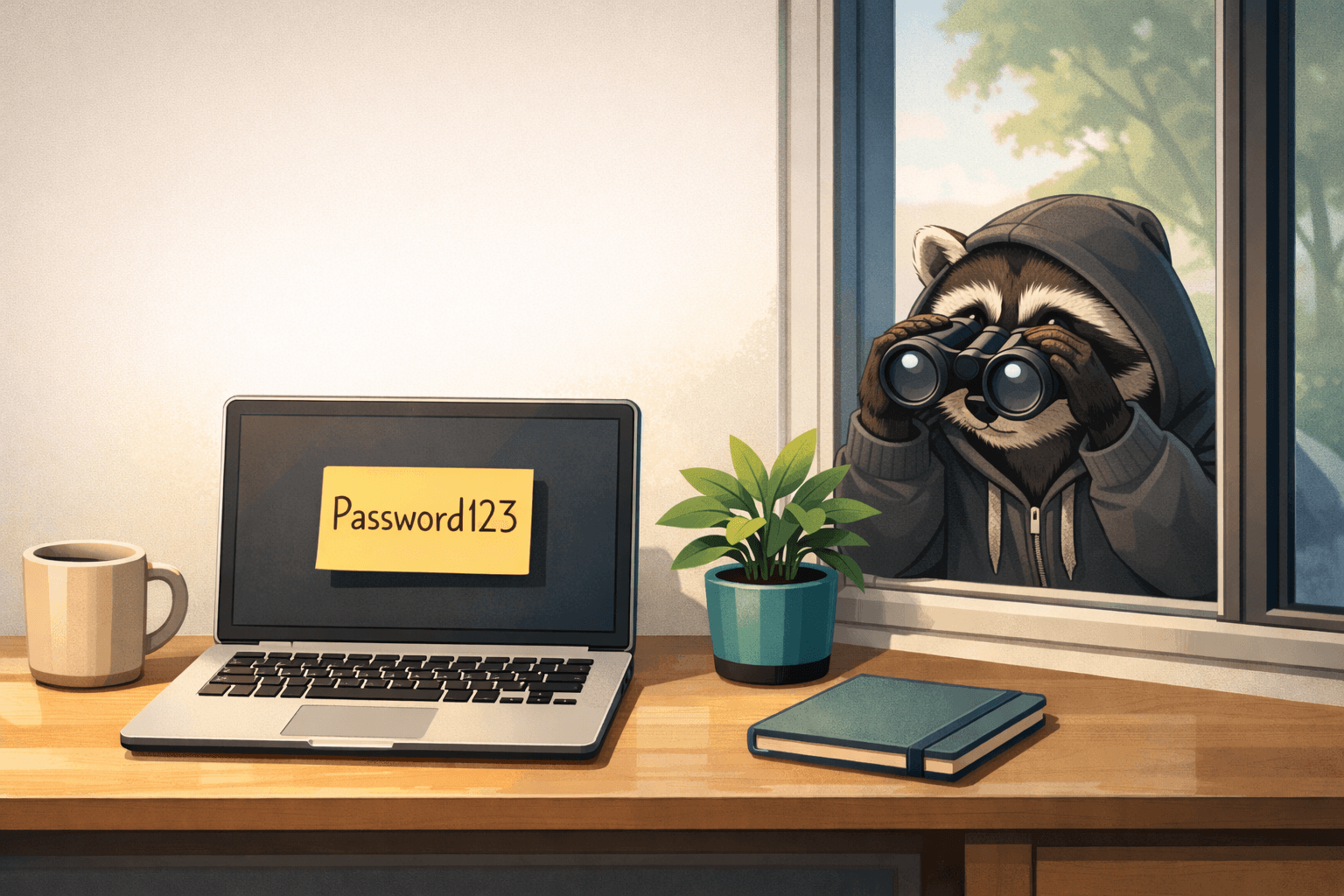
Sticky notes
These methods are often unencrypted and easy to access if someone compromises your device or email—and attackers know where people “hide” passwords first.
Acronym Key
MFA — Multi-Factor Authentication (a second step beyond just a password)
2FA — Two-Factor Authentication (a type of MFA using two different verification factors)
Vault — An encrypted container that stores your passwords (and sometimes secure notes)
Credential stuffing — Using stolen username/password pairs to try logging into other sites automatically