What Is Multi-Factor Authentication — And Why You Really Need It
Let’s Be Honest: Most People Still Rely on Just a Password
Let’s be honest: a lot of accounts are still protected by just a password. The problem is passwords leak constantly—and it only takes one breach (or one successful phish) to put your email, money, and socials in the blast radius.
The easiest defensive upgrade for most people?
**Multi-Factor Authentication (MFA).**¹
Think of MFA Like a Second Lock on Your Door
MFA adds a second (or third) proof step before a login is allowed. Common examples:
A code from an authenticator app
A tap-to-approve prompt on your phone
A biometric check (Face ID / fingerprint)
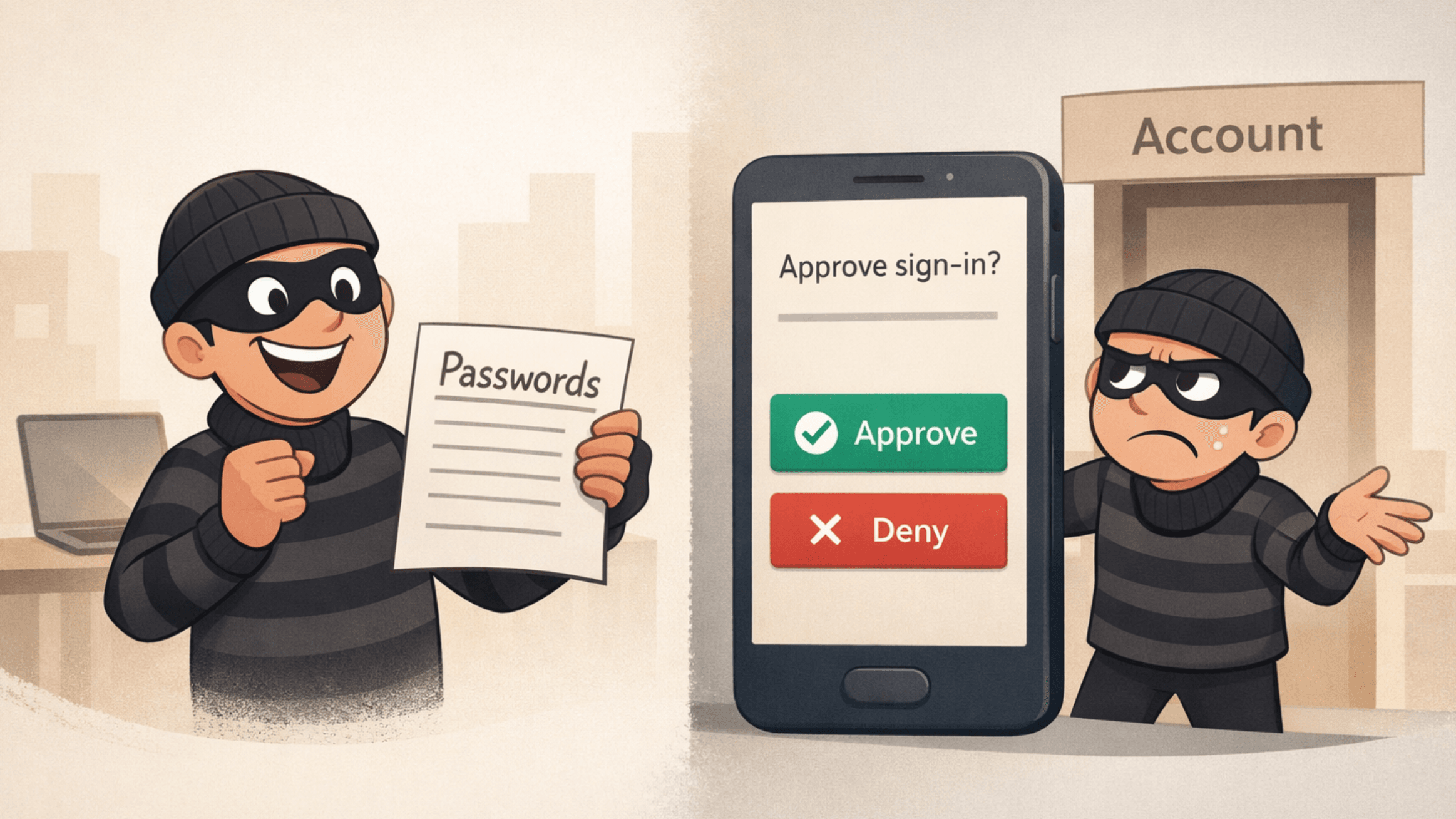
Even if an attacker has your password, they usually can’t get in without that second factor.¹
Does It Actually Work? Yes—A Lot
Google’s security research (with academic partners) found that adding a second step can block 100% of automated bot attacks and most bulk phishing attempts (depending on the method).²
And Verizon’s 2024 DBIR reinforces why this matters: the “human element” (things like phishing, social engineering, and user-driven mistakes) shows up in 68% of breaches.³ Translation: attackers keep targeting logins because it keeps working.
CISA’s Take: One of the Best Moves You Can Make
CISA puts it bluntly: using MFA makes you **“99% less likely to be hacked.”**¹
That’s not “perfect security,” but it’s a massive risk reduction for a 2-minute setup.
How to Set It Up (Fast)
Turn on MFA for your email first (this is your “master key” to password resets)
Enable MFA for banking, Apple/Google, cloud storage, and work tools
Prefer authenticator apps or device prompts over SMS when possible²
Save backup codes somewhere secure (a password manager is ideal)
If you want the “seatbelt + airbag” version: use a hardware security key (e.g., YubiKey)
MFA Myths (Busted)
“It’s a hassle.”
Most MFA checks take ~10 seconds. That’s less time than re-heating coffee you forgot about.
“I’m not a target.”
If you have email, banking, or social media, you’re on the menu—because attackers automate this.
“Text message MFA is good enough.”
SMS is better than nothing, but authenticator apps and security keys are generally stronger.²
Real Talk: Do This Today
Enable MFA on your email, financial accounts, and work accounts today
Download a trusted authenticator app
Help one other person set it up (friend, coworker, parent) — you’ll prevent future “hey… did you get that weird message from me?” moments
Acronym Key
MFA — Multi-Factor Authentication (a second or third way to confirm it’s really you)
SMS — Short Message Service (standard text message)
DBIR — Data Breach Investigations Report (Verizon’s annual breach analysis)
CISA — Cybersecurity and Infrastructure Security Agency (U.S. agency promoting cyber safety)