
How to Freeze Your Credit in Under 10 Minutes
🔒 How to Freeze Your Credit in Under 10 Minutes
Identity theft is on the rise — but freezing your credit is one of the simplest ways to stop scammers from opening new accounts in your name. A credit freeze is free, and it stays in place until you lift it.¹
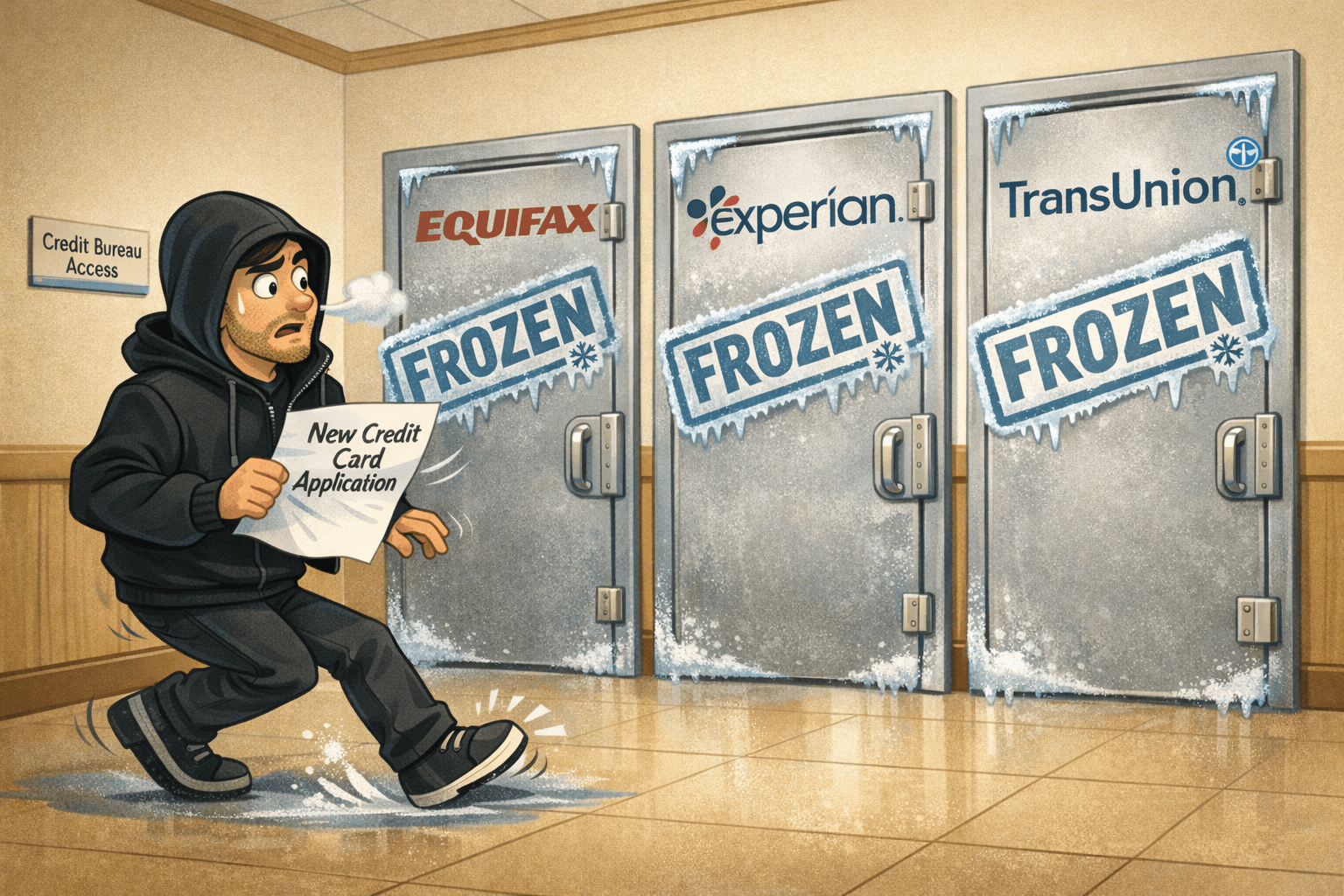
Important: you must freeze at all three bureaus for full coverage: Equifax, Experian, TransUnion.¹
What You’ll Need
Have this ready to make the process quick:
Full legal name
Social Security Number
Date of birth
Address history (current + prior addresses)
Access to your phone/email for identity verification
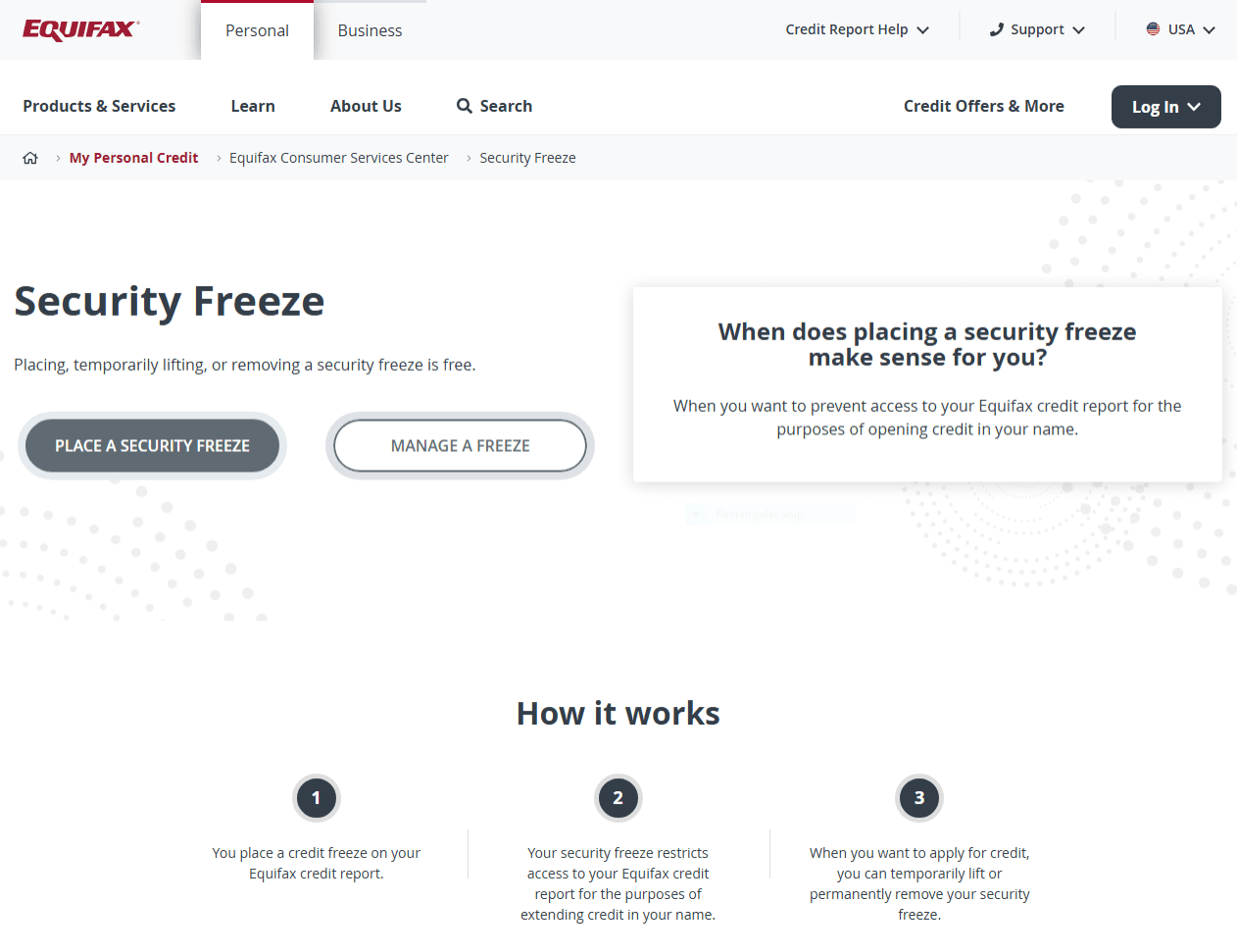
Step 1 — Freeze at Equifax
🔗 Visit Equifax Credit Freeze Page
Steps:
Click **“Place a Freeze”**²
Sign in or create a myEquifax account²
Complete identity verification²
Confirm your freeze is active²
Step 2 — Freeze at Experian
🔗 Visit Experian Freeze Center
Steps:
Click **“Add a Security Freeze”**³
Log in or create an Experian account³
Enter your personal information³
Complete verification³
Confirm your file shows as frozen³

Step 3 — Freeze at TransUnion
🔗 Visit TransUnion Freeze Page
Steps:
Click **“Get Started” / “Start Freeze”**⁴
Log in or create a TransUnion account⁴
Verify your identity (questions / prompts)⁴
Confirm your freeze is active⁴

How to Unfreeze Later (Temporary Lift)
If you’re applying for a loan, apartment, job background check, or new credit card, you can temporarily lift the freeze (sometimes called a “thaw”) and then re-freeze afterward. The FTC notes you lift it by contacting the bureau(s) you need to lift it with.¹
Pro tip: Ask the lender which bureau they plan to pull. You may only need to lift one, not all three.¹
Security tip: Store your bureau logins and any backup codes in a password manager (not your Notes app).
Final Checklist
✔️ You froze your credit at Equifax
✔️ You froze your credit at Experian
✔️ You froze your credit at TransUnion
✔️ You saved confirmation emails/screenshots
✔️ You stored logins securely (password manager)
Done — and You Just Made Life Way Harder for Identity Thieves
Freezing your credit won’t stop data breaches. But it can block scammers from opening new loans, cards, or accounts in your name—because most lenders can’t approve new credit without accessing your credit file.¹
Sources
Equifax — Security Freeze (official freeze page / “place a freeze” flow).
Experian — Freeze or Unfreeze Your Credit File for Free (official freeze center).