How to Create Strong Passwords You’ll Actually Remember
Why Passwords Still Matter
Even with biometrics and passkeys gaining traction, passwords are still the default first line of defense on a lot of sites. And when a password is weak or reused, account takeovers get easy fast.²
Bad passwords = fast compromises.
Good passwords = fewer late-night “why is my account sending DMs?” moments.
What Makes a Password Strong
A strong password is:
Long (think passphrase length — longer beats “complex”)¹
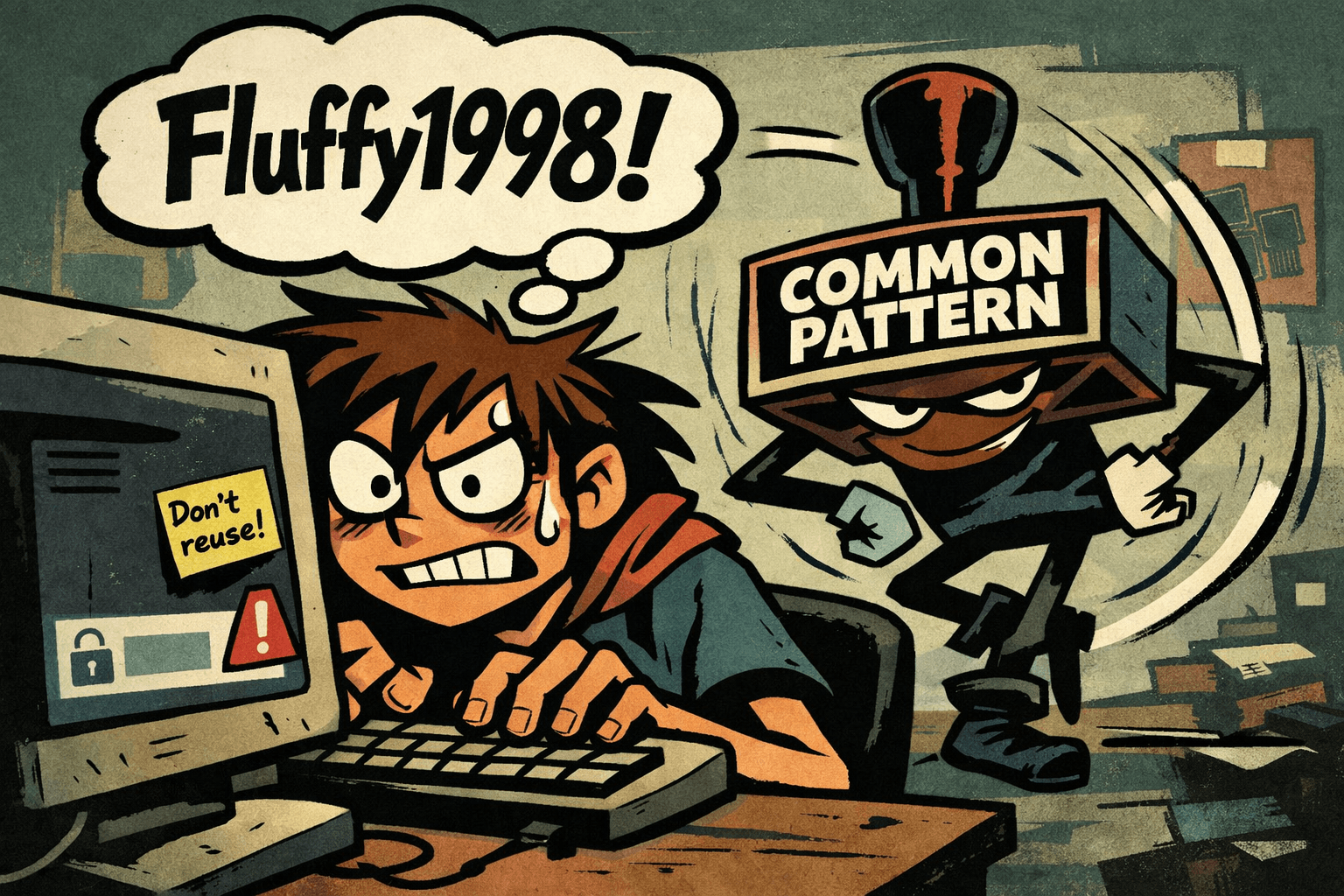
Not guessable (no names, birthdays, pet names, sports teams, or dictionary words you’d post about)
Unique (never reused across accounts)³
Note: Modern guidance puts less emphasis on forced “must include symbols” rules and more on length + uniqueness.¹
3 Ways to Build Strong Passwords That Stick
Use a Passphrase (Easy to Remember, Hard to Guess)
Create a sentence you can remember, then tweak it.
Examples:
MyDogEats2TacosEveryFriday!
CloudsRunFaster@Midnight
You can also abbreviate a longer sentence if you need something shorter—but in general, longer is better.¹
"MdE2TEF!" = My dog eats 2 tacos every Friday!
Optional check: Use a password strength tester to sanity-check your length (don’t obsess over the exact “time to crack” number).⁴
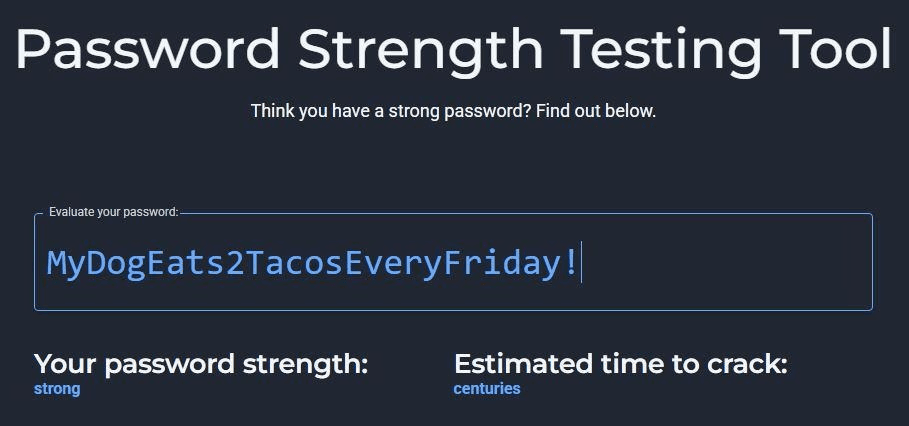
Link to Bitwardens Password Strength Testing Tool: https://bitwarden.com/password-strength/
Use a Password Manager (Generate + Store the Wild Ones)
Password managers can generate strong passwords like:
cS!8pE@9z#g4&7wL
…and you never have to memorize them.
Tools people commonly use:
Bitwarden
1Password
NordPass
If you do this, the goal becomes simple: one strong master password + unique passwords everywhere else.¹
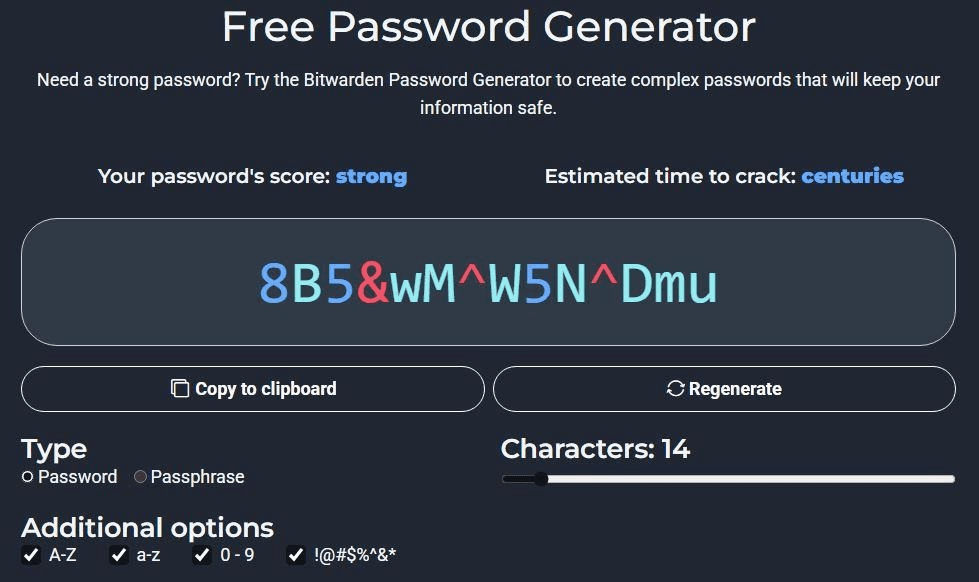
Link to Bitwardens Free Password Generator: https://bitwarden.com/password-generator/
Don’t Repeat Passwords — Ever
If one password gets exposed in a breach, attackers try the same password on other sites automatically. That’s credential stuffing.³
Use a unique password for every account—especially:
Email (your “reset everything” account)
Banking
Cloud storage
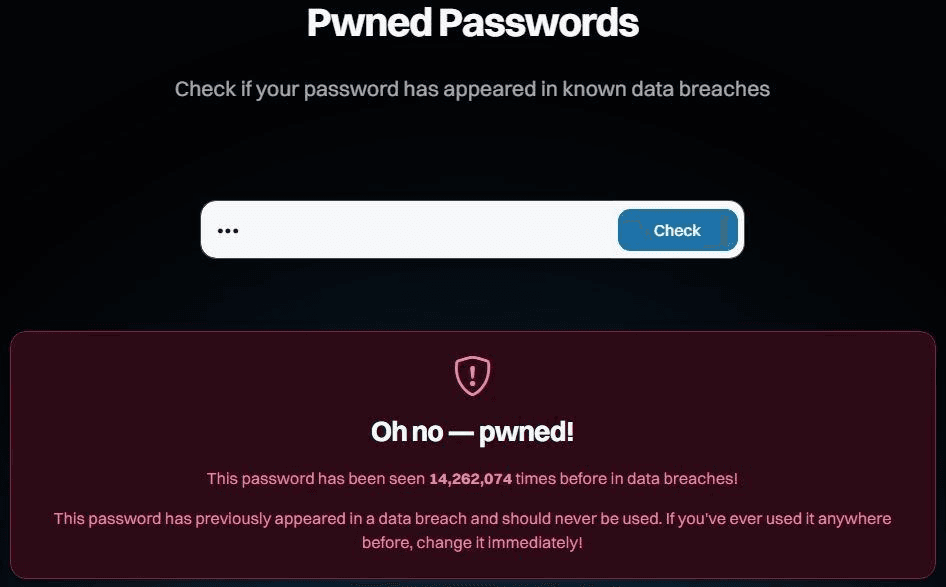
To check exposure:
Have I Been Pwned (breach search + alerts)⁵
Browser password checkups (Chrome/Safari/Firefox)
Bonus: Password Myths to Ignore
Myth: “I change my password every month, so I’m safe.”
Reality: Guidance says don’t force periodic password changes without evidence of compromise—people just create predictable patterns.¹
Myth: “Adding ‘!’ to the end makes it secure.”
Reality: Attackers try common patterns. Length + uniqueness wins.¹³
Myth: “Nobody would guess my dog’s name.”
Reality: If it’s on Instagram, it’s basically public trivia night.
Sources