
How Firewalls Work: A Beginner’s Guide
What Is a Firewall (and Why Should You Care?)
If the internet is a digital city, then your devices are like houses — and firewalls are the fences, gates, and security guards that decide what comes in and what stays out.
They’re not flashy. They don’t send alerts every five minutes. But they quietly enforce the rules that keep unwanted traffic, malware, and intrusions from reaching your systems.
Whether you’re a casual user, remote worker, or small business owner, understanding how firewalls work helps you protect your data, identity, and peace of mind.
So… What Is a Firewall?
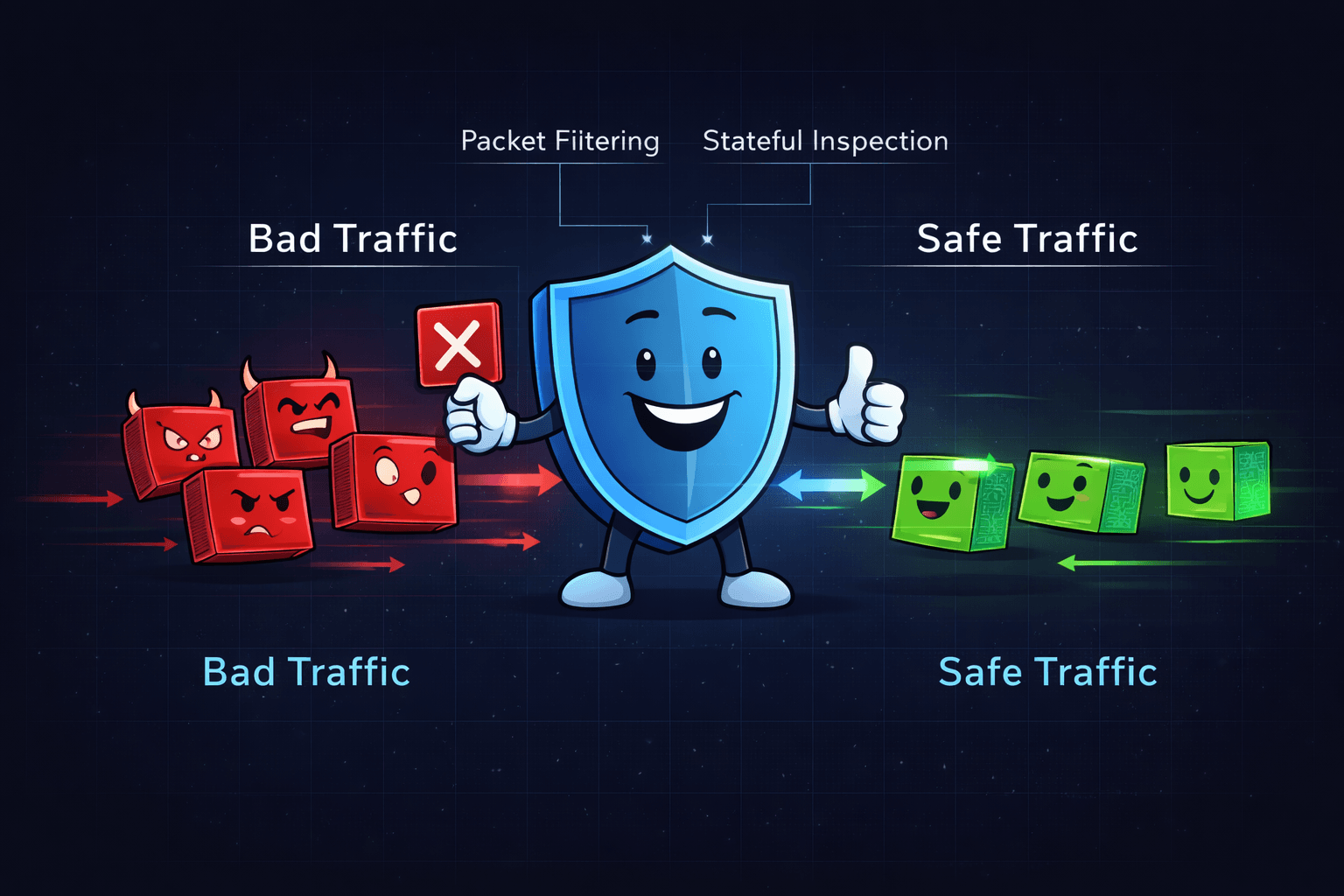
A firewall is a security system — either software, hardware, or both — that monitors and controls incoming and outgoing network traffic based on predefined security rules.
In simple terms:
It creates a controlled barrier between your device (or network) and the broader internet.
Instead of allowing everything through, it evaluates traffic and decides what’s trusted, what’s suspicious, and what gets blocked.

Types of Firewalls
Not all firewalls are built the same. Different environments require different approaches.
1. Network-Based Firewall
Protects entire networks
Common in businesses and organizations
Installed on routers or dedicated security appliances
This type filters traffic before it reaches internal devices.
2. Host-Based Firewall
Installed on individual devices (laptops, desktops, smartphones)
Filters traffic specific to that device
Examples include Windows Defender Firewall and macOS’s built-in firewall
It protects the endpoint directly.
3. Hardware Firewall
A physical device filtering traffic before it enters your network
Often built into advanced home routers or small office equipment
These are common in small business and home-office setups.
4. Software Firewall
Installed as a program
Can be customized to monitor applications, ports, IP addresses, and traffic behavior
Many antivirus platforms include firewall functionality as part of a broader security suite.
Modern routers and security tools often combine hardware and software firewalls for layered protection.
How Do Firewalls Actually Work?
Firewalls don’t just block traffic randomly. They inspect data using structured methods.
Here are the primary techniques:
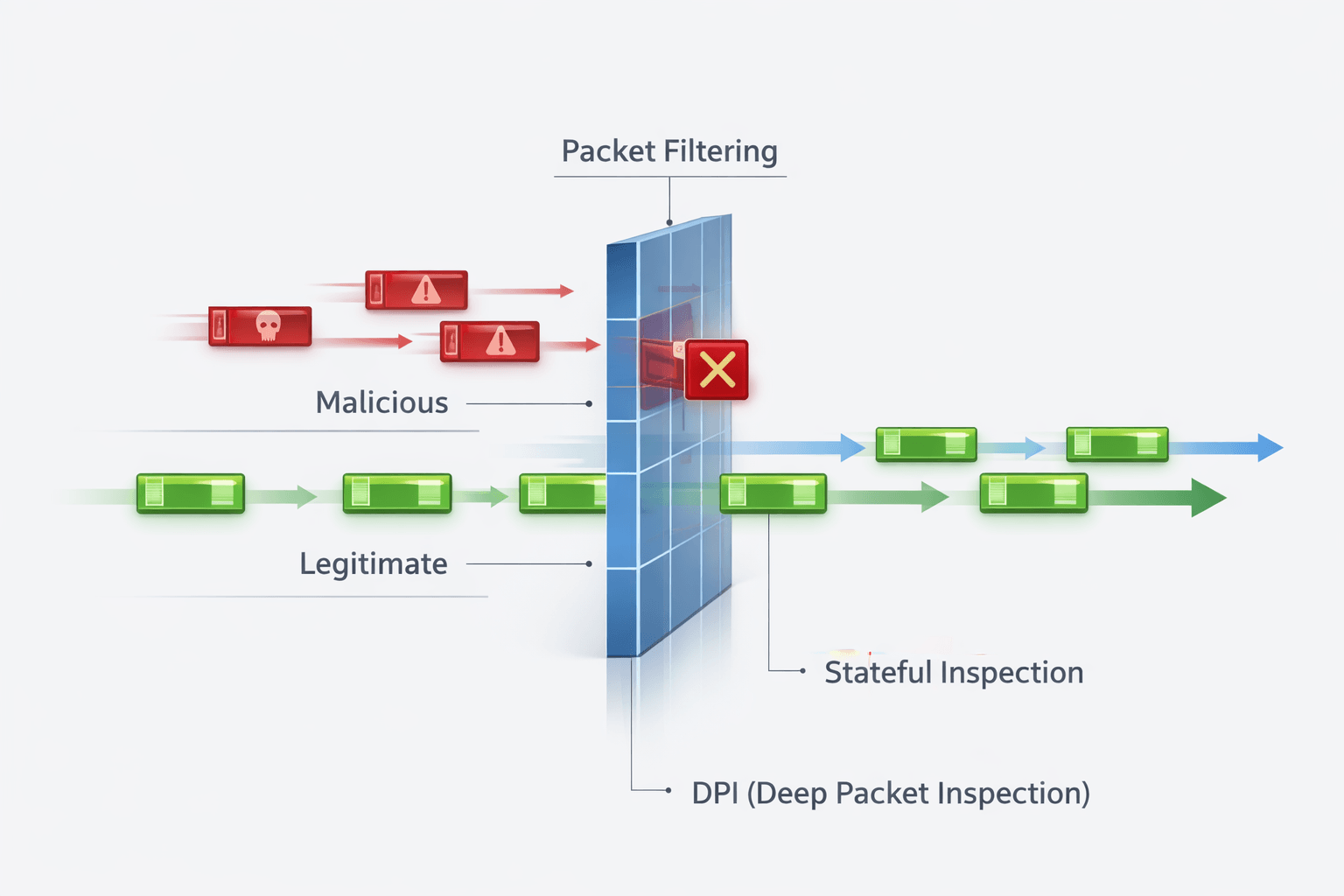
Packet Filtering
Examines small units of data (“packets”) and allows or blocks them based on:
Source IP address
Destination IP address
Port number
Protocol
It’s rule-based and efficient.
Stateful Inspection
Tracks active connections and evaluates traffic based on whether it matches an established session.
If something appears out of sequence or unauthorized, it gets flagged.
Proxy Services
Acts as a middleman between your device and the internet, masking your real IP address and filtering requests indirectly.
Deep Packet Inspection (DPI)
Analyzes packet content more deeply to detect malware, policy violations, or suspicious behavior.
Many modern firewalls integrate Intrusion Detection Systems (IDS) and Intrusion Prevention Systems (IPS) to monitor and block threats in real time¹.
What Happens Without a Firewall?
Without a firewall, your network becomes significantly more exposed.
Risks include:
Malware and ransomware downloads
Unauthorized remote access attempts
Data exfiltration (sensitive data leaving your network unnoticed)
Botnet infections and hidden backdoors
It’s the equivalent of leaving your front door open in a high-traffic area. Eventually, something unwanted will try to walk in.
Best Practices for Using Firewalls
A firewall only helps if it’s configured properly.
Ensure your router’s firewall is enabled
Use a host-based firewall on every device
Keep firewall rules updated and review open ports
For businesses, consider a Next-Generation Firewall (NGFW) with DPI, malware filtering, and intrusion prevention
Avoid disabling your firewall to “fix” connectivity issues — adjust rules instead
Security isn’t about convenience. It’s about controlled access.
Why Firewalls Are Still Relevant Today
With cloud services, VPNs, endpoint detection, and AI-based tools dominating the conversation, it’s easy to assume firewalls are outdated.
They’re not.
Firewalls still form a foundational layer of defense — especially when paired with:
Endpoint protection
Multi-Factor Authentication (MFA)
Secure configuration practices
Ongoing monitoring
They’re not a silver bullet. But without one, you’re operating blind at the network edge.
Key Terms
IP (Internet Protocol) – The address that identifies a device on a network
IDS (Intrusion Detection System) – Detects suspicious or malicious activity
IPS (Intrusion Prevention System) – Blocks threats in real time
MFA (Multi-Factor Authentication) – Adds an additional authentication step
DPI (Deep Packet Inspection) – Analyzes packet contents to detect threats
NGFW (Next-Generation Firewall) – Advanced firewall with enhanced inspection capabilities
📚 Sources