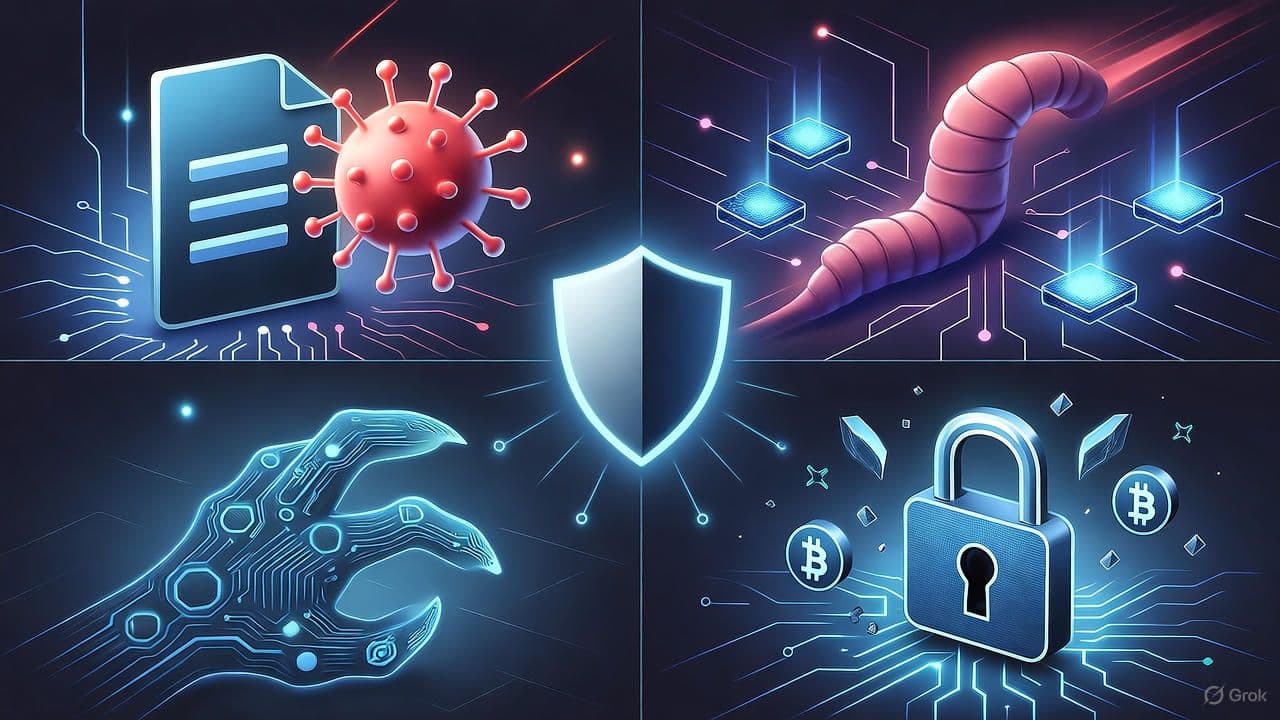
Differences Between a Virus, Worm, Trojan, and Ransomware
By David V. | 2/27/2026
Malware is often used as a catch-all term. But not all malware behaves the same way. Some need you to click something. Others spread silently. Some disguise themselves. Others lock everything down.
Let’s break down the four most common types: virus, worm, Trojan, and ransomware — what they do, how they spread, and why the distinction matters.
1. Virus — The Classic Infector
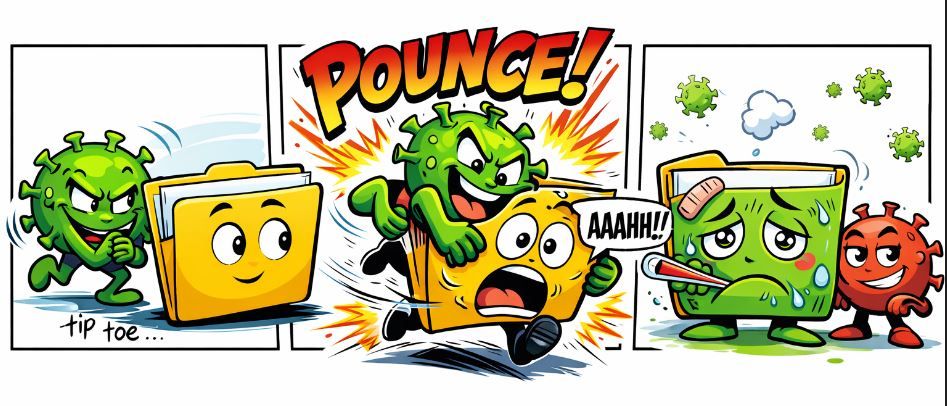
A virus attaches itself to a legitimate file or program and spreads when that infected file is opened or executed.
Unlike other threats, a virus typically requires human interaction to activate.
Key characteristics:
Requires user action (opening a file, running a program)
Can delete, corrupt, or overwrite data
Often spreads through email attachments or infected downloads
Think of it like a biological virus. It needs a host to survive and replicate. Without user interaction, it usually stays dormant.
2. Worm — The Self-Spreader
A worm doesn’t need you to click anything. It spreads automatically — usually by exploiting network vulnerabilities.
Worms replicate themselves and move laterally across systems with little or no user involvement.
Key characteristics:
Self-replicates without user input
Spreads across networks automatically
Consumes bandwidth or crashes systems
Can drop additional malware or backdoors
One of the most destructive examples was WannaCry in 2017, which infected more than 300,000 machines across 150+ countries¹. It combined worm-like spreading behavior with ransomware encryption — a dangerous hybrid.

3. Trojan — The Disguised Threat
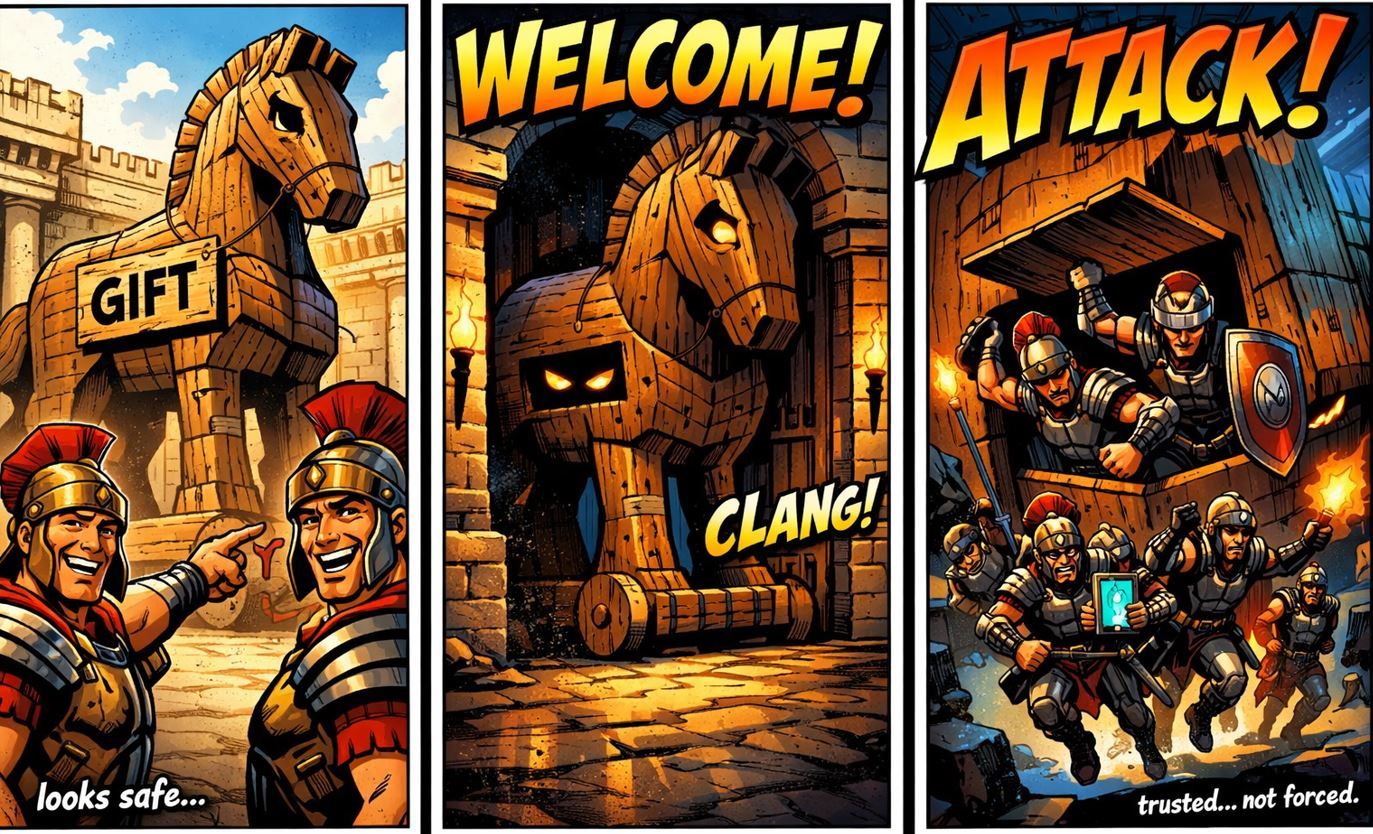
A Trojan (short for Trojan horse) pretends to be something legitimate — like a PDF, software installer, or free app — but hides malicious code inside.
It relies on deception and user trust.
Key characteristics:
Disguised as legitimate software or files
Relies on social engineering
Can steal data, spy on users, or deploy other malware
Does not self-replicate
Trojans are commonly used in phishing campaigns and targeted attacks. The attacker doesn’t need mass infection — they just need you to believe it’s safe.
4. Ransomware — The Digital Kidnapper
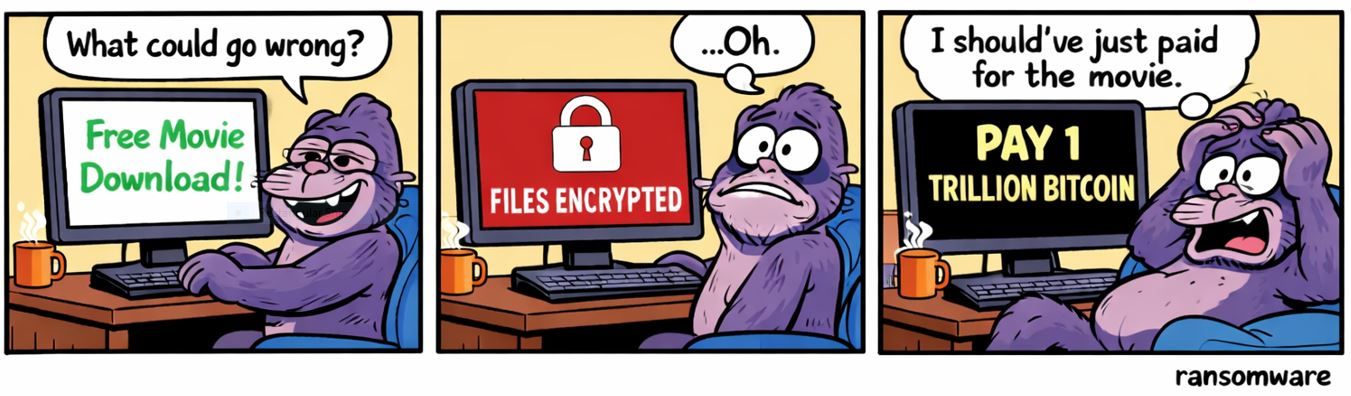
Ransomware encrypts your files and demands payment — usually in cryptocurrency — in exchange for a decryption key.
It’s one of the most financially damaging forms of malware today.
Key characteristics:
Delivered via phishing, exploits, or compromised credentials
Encrypts files, servers, or entire environments
Often includes data theft and leak threats
Demands ransom payment
In 2023, the average cost per ransomware incident reached $1.85 million² — and that figure includes downtime, recovery, legal costs, and reputational damage.
Why It Matters
Understanding the differences between these malware types helps you:
Recognize suspicious behavior faster
Take security alerts seriously
Improve your security posture
Make smarter decisions about backups and authentication
When you know how something spreads, you’re better prepared to stop it.
How to Stay Protected
Practical steps still matter.
Keep your systems and software updated
Use Multi-Factor Authentication (MFA) on critical accounts
Avoid downloading files from unknown sources
Back up your data regularly (offline or secure cloud)
Educate users on phishing tactics
Security isn’t one tool — it’s layered habits.
Key Terms
Virus – Malware that attaches to files and spreads when executed
Worm – Self-replicating malware that spreads automatically across networks
Trojan – Malicious software disguised as legitimate
Ransomware – Malware that encrypts data and demands payment
MFA – Multi-Factor Authentication; adds a second login factor